
Letter Classifications
Lesson Purpose:
At the end of this lesson, you will be able to match the letters of this unit to their letter classifications.
Instructions:
- Review the information below about Thai letter classifications.
- Complete the letter classification activity.
Review:
1. As you learned before, all Thai consonants are either…
- low class
- middle class
- high class.
Each class of consonants has a particular set of pronunciation rules attached to them. You will learn how to apply those rules after you have completed Step 1 Unit 6, but if you really want to preview them, you can scroll down to the “Applying Tone Rules” section of the course on the left (just below Step 1 Unit 6). They won’t make much sense now, so I suggest that you just remember the classifications of this unit.
2. You also learned before that all Thai vowels are either “long” or “short.”
Short vowels have a “short” sound, and long vowels have a “long” sound, like this…
-
- short vowel sound = ma
- long vowel sound = maaa
Letter Classifications:
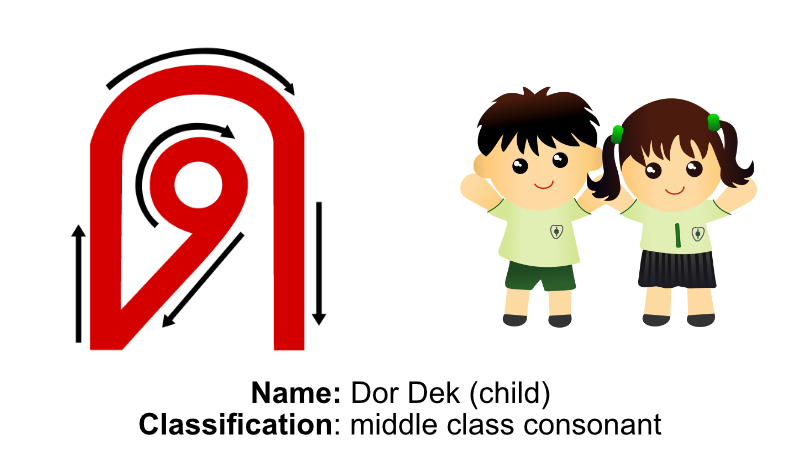
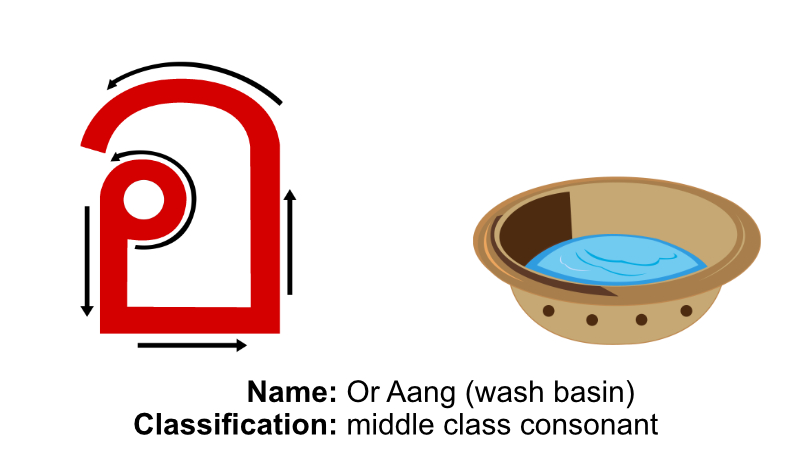
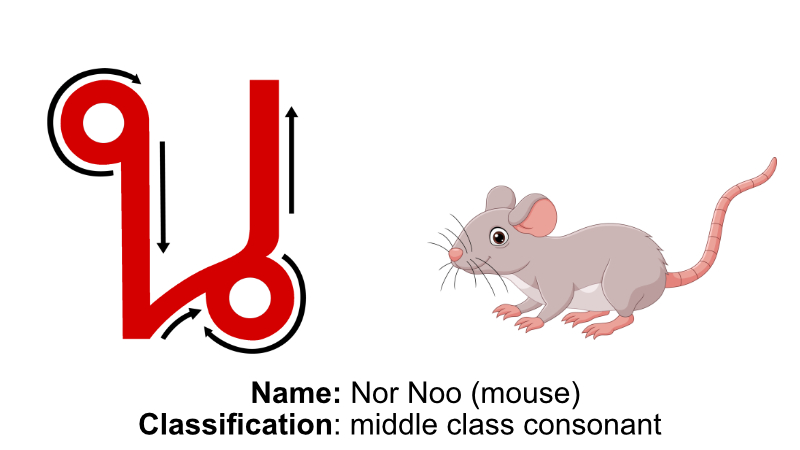
- Below is the letter and word chart from the Unit 1 Introduction.
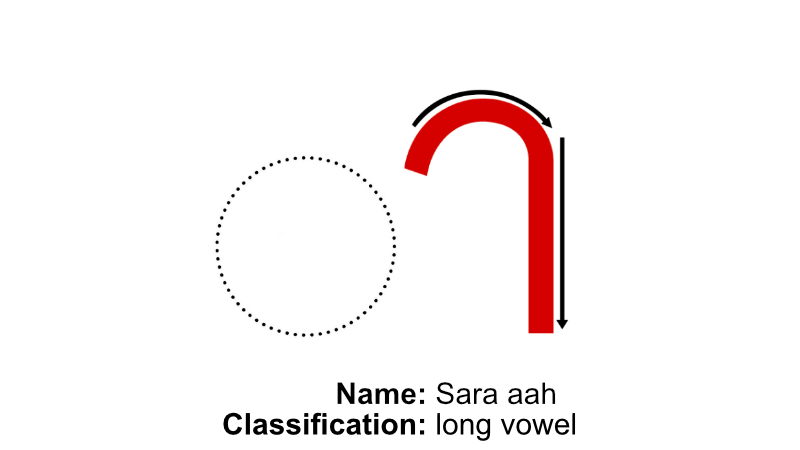
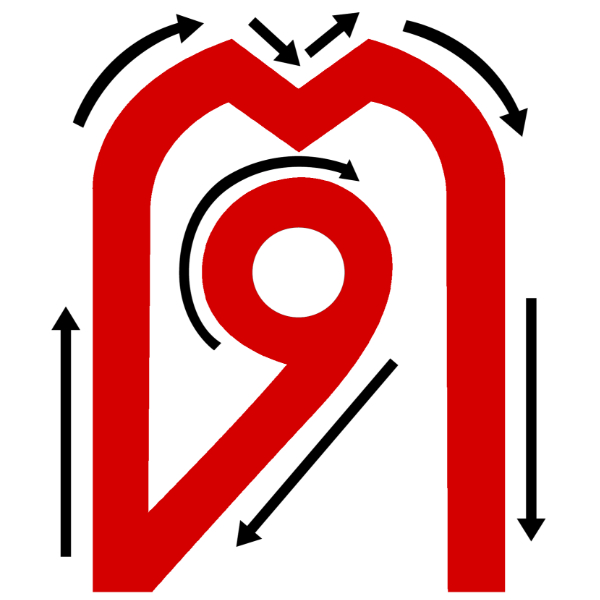
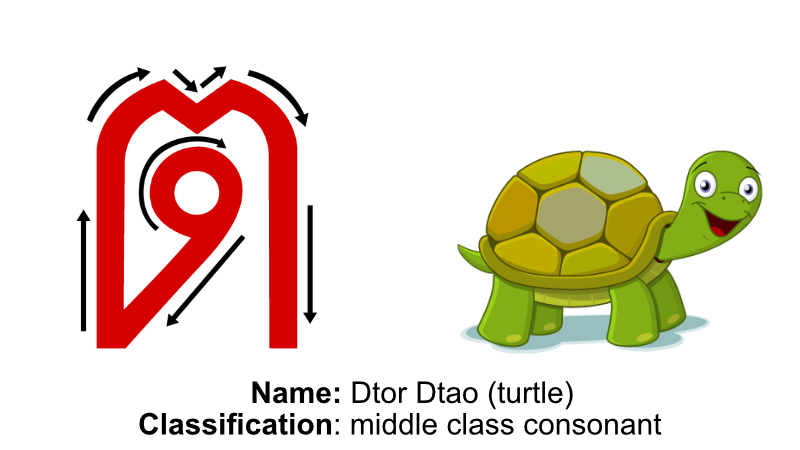
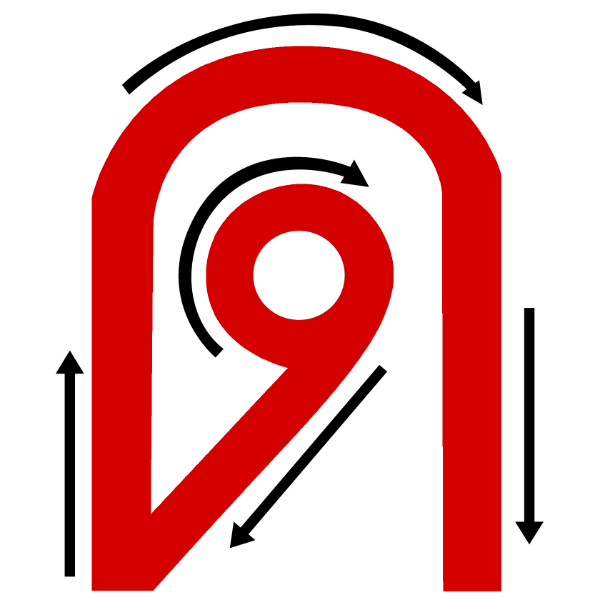
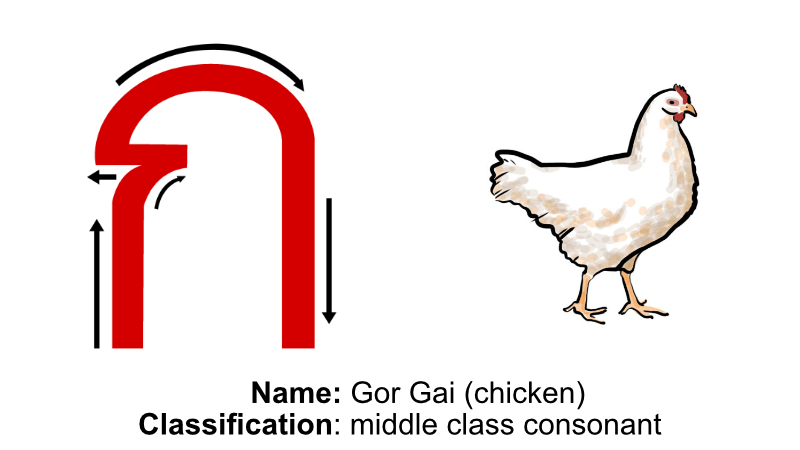
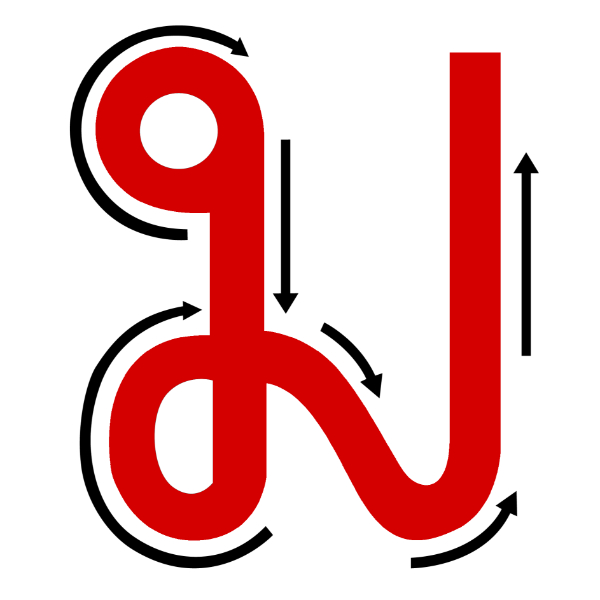
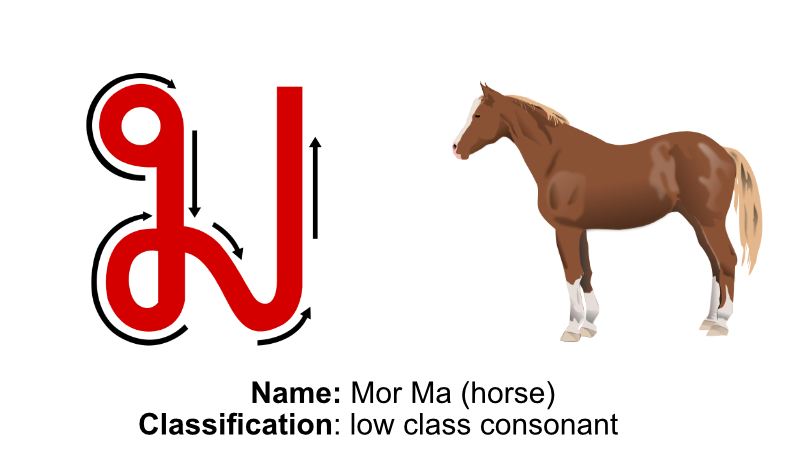
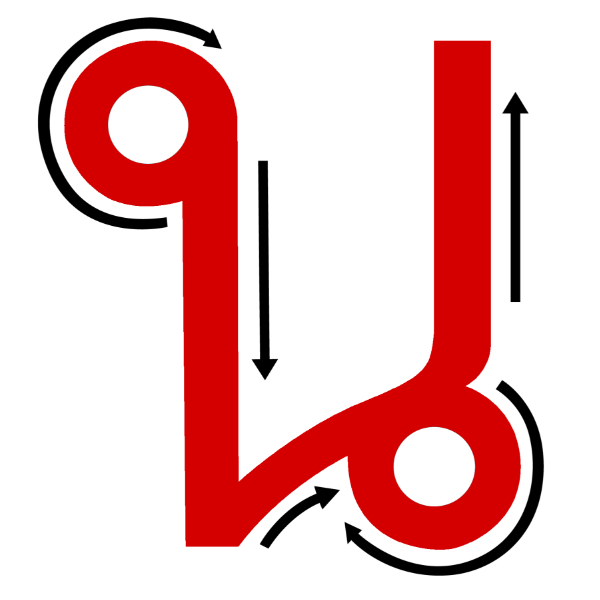
- Notice that each letter is classified by whether it is a low/middle/high class consonant OR a long/short vowel.
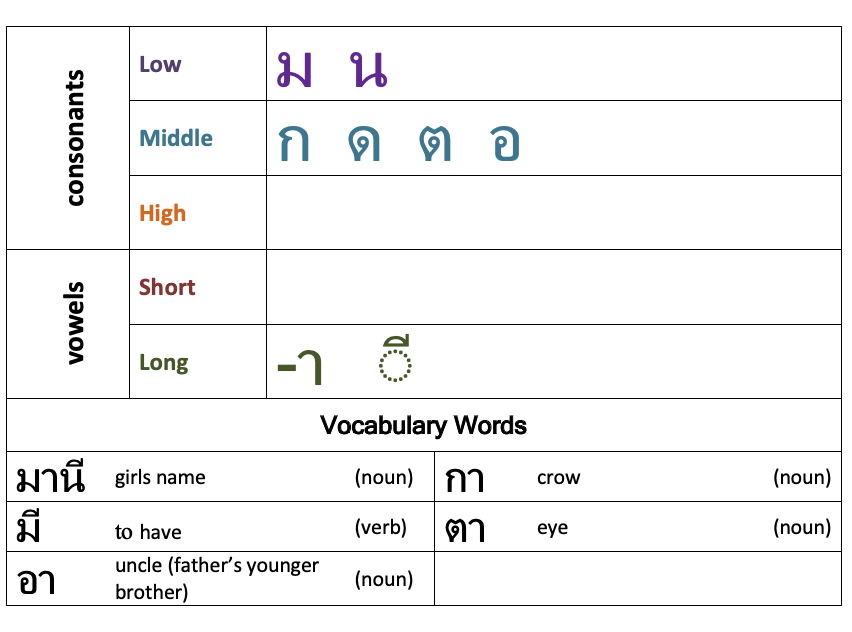
Activity 1 Instructions:
- Review the letter classifications in the chart above.
- Drag the letter classifications below to the correct letters.
- Click the blue “Check” button to check your answers.
- If you do not get all the answers correct, click the blue “retry” button and start over.
- Repeat the process until you can match all classifications to the correct letters.
Activity 2 Instructions:
- Look at the letter on the flashcard and say its classification from memory.
- Check your answer by flipping the card and viewing the answer.
- If you choose the correct classification, click on the green “thumbs up” button. If you don’t choose the correct classification, click on the red “thumbs down” button (the next card in the deck will automatically be shown).
- When you finish the deck, you will see a summary page. If you missed any answers, click on the green “Restart Deck” button. Then click the “shuffle deck” button and go through all the cards again.
- Repeat the process until you get 100% of the answers correct.
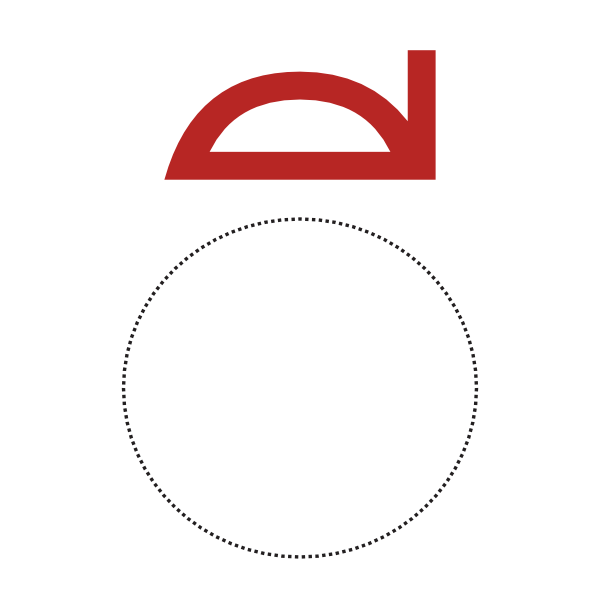
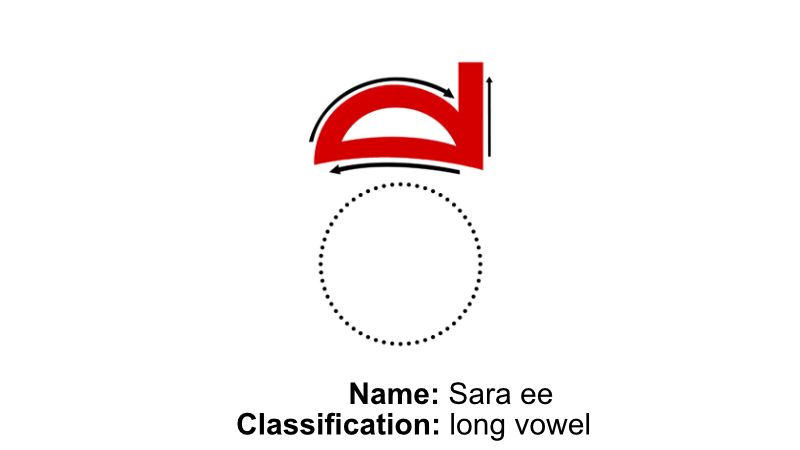
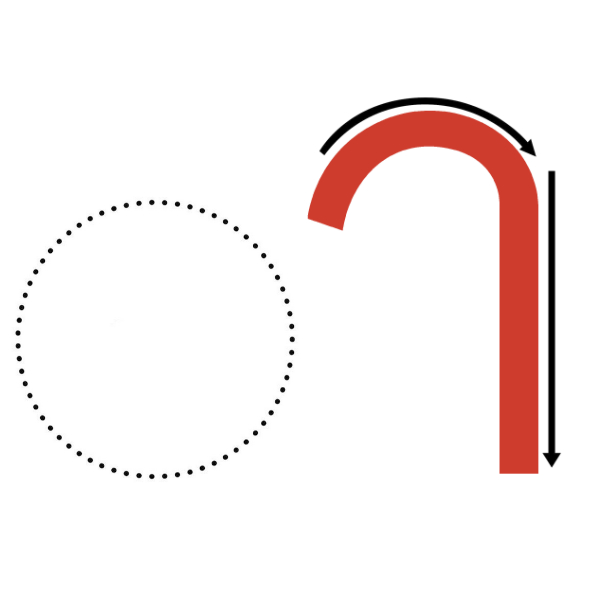
After you can see each letter and say their classifications from memory, click the red “complete” button below.